 committier
Use Prompt
A built-in commit CLI tool for humanity
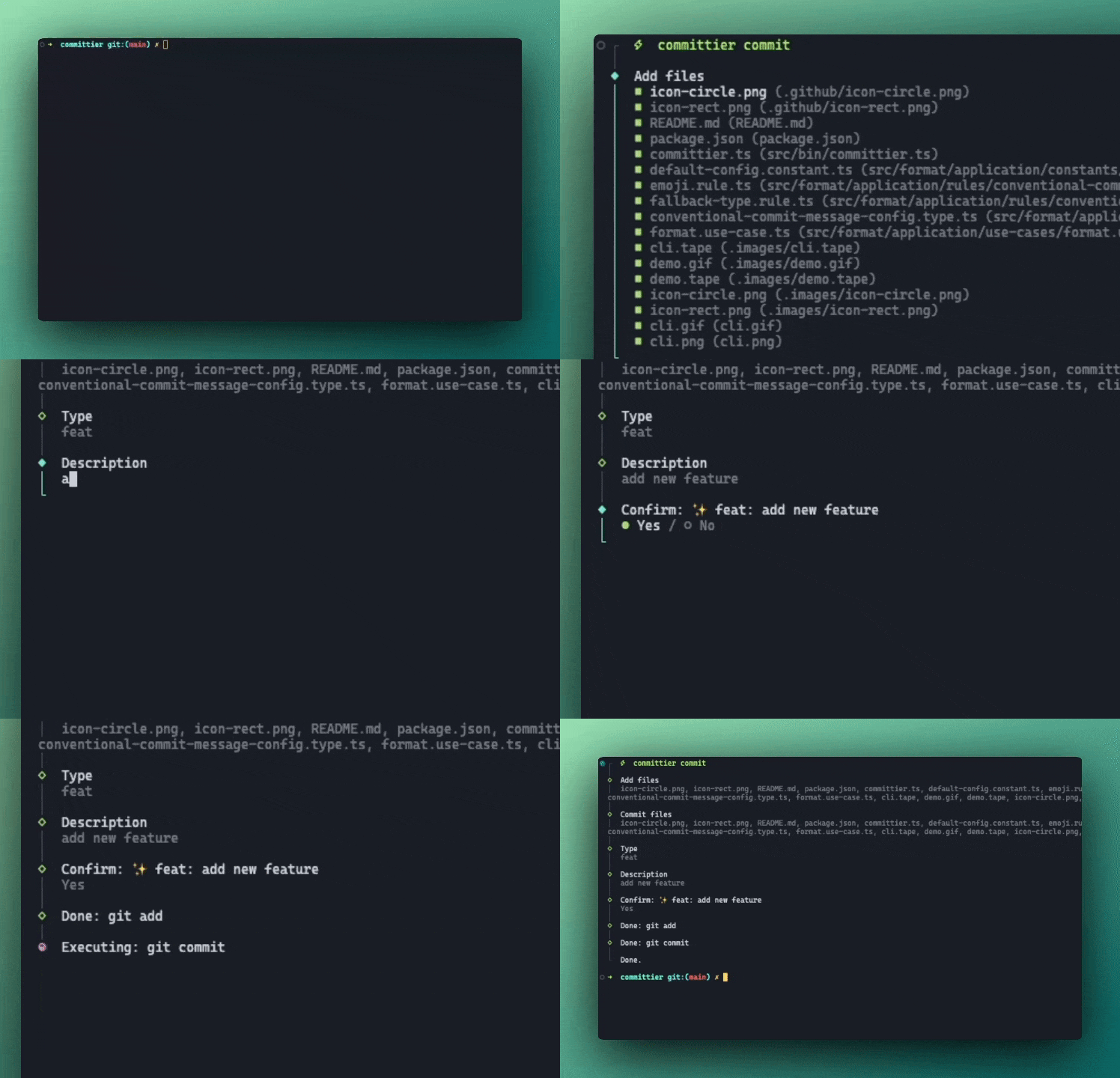
Usage
npx committier commitOptionally add a script in package.json, to map a shorter command for commit CLI
{
  "scripts": {
    "commit": "committier commit"
  }
}
Then
pnpm commitTest with dry-run Mode
It's useful if you only want to test the commit experience.
pnpm committier commit --dry-run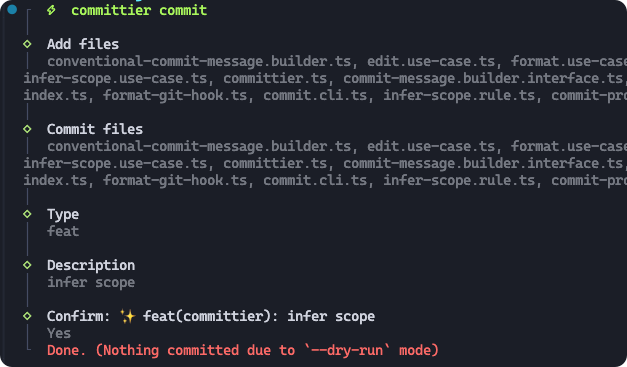
Integrate commitlint
Make sure commitier runs before commitlint
.husky/commit-msg
npx --no -- committier edit $1
npx --no -- commitlint --edit $1
If your enabled autoEmoji: true (default: true), make sure to set our commitlintEmojiParser, because commitlint doesn't accept any emoji by default.
commitlint.config.js
import { commitlintEmojiParser } from "committier/commitlint-emoji-parser";

export default {
  extends: ["@commitlint/config-conventional"],
  parserPreset: commitlintEmojiParser,
};
Smart with Config
This CLI works well with your configuration. It infers necessary configs to simplify the prompt steps.
For example, if autoScope: true, the prompt will not ask you to input a scope string, it will automatically infers the workspace package names. If autoScope: "defaultToPackageName" set, it will ask you to input a scope but not required.
Learn More
Configuration reference